CAP Famille
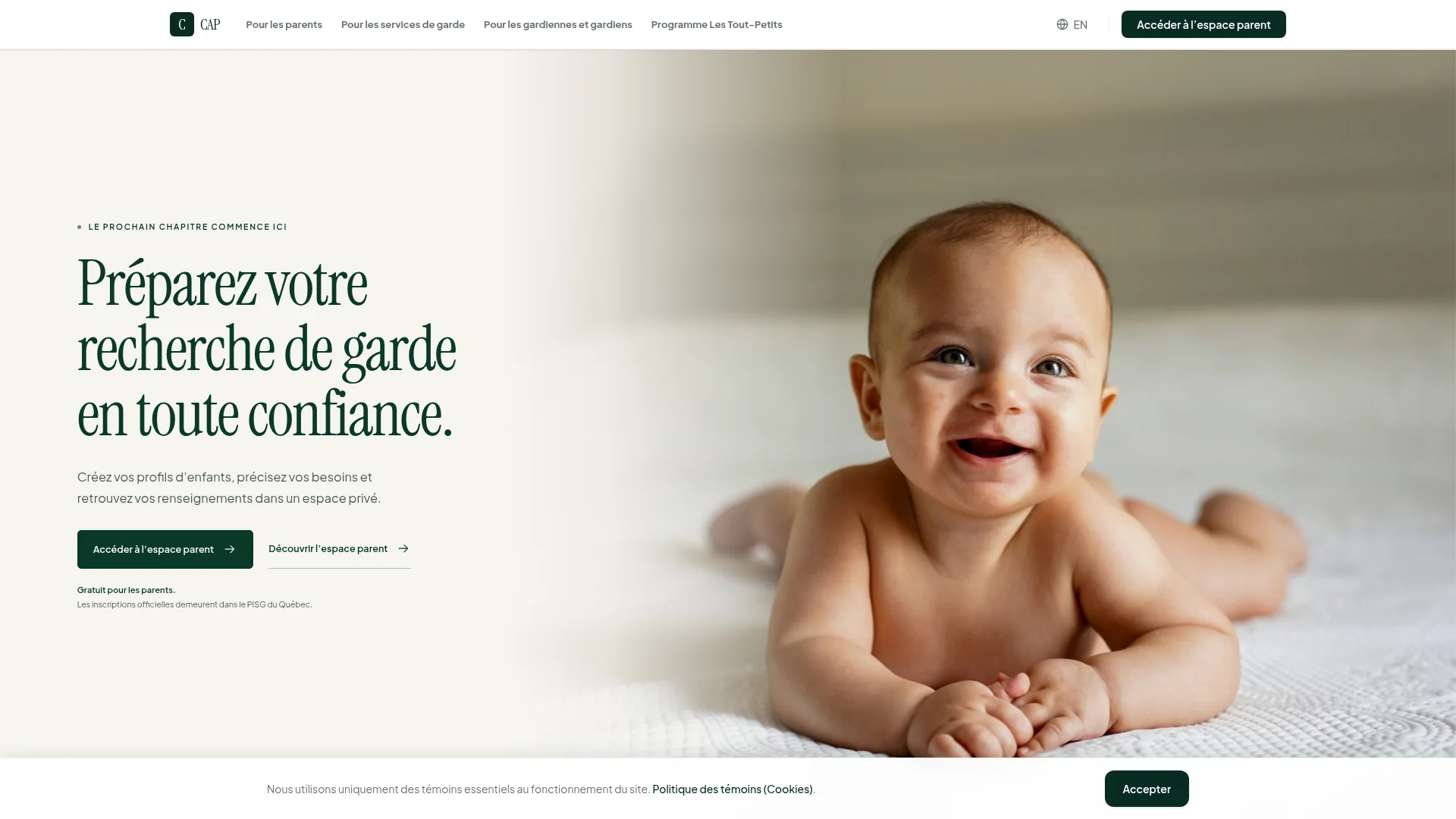
Bilingual platform
Family profiles, preferences, schedules and a private parent space: data organized around a real need.
Explore the projectSoftware designed for the way you work. Your records, team and clients connected through one clear workflow.
Talk about your operationsSee what we buildA project moves through email, its documents live elsewhere and billing depends on a spreadsheet. Montreal-based CHRD Studio builds custom software that connects the work.
We start with one priority: who acts, with which information and toward what result. Web application, portal or internal tool, the first version serves a real task.
Work gets done, but manual checks and transfers keep adding up.
These signs call for a closer look at your tools. Not all of them require new software.
These examples illustrate the studio’s work. Demonstrations are not presented as client engagements.
Bilingual platform
Family profiles, preferences, schedules and a private parent space: data organized around a real need.
Explore the project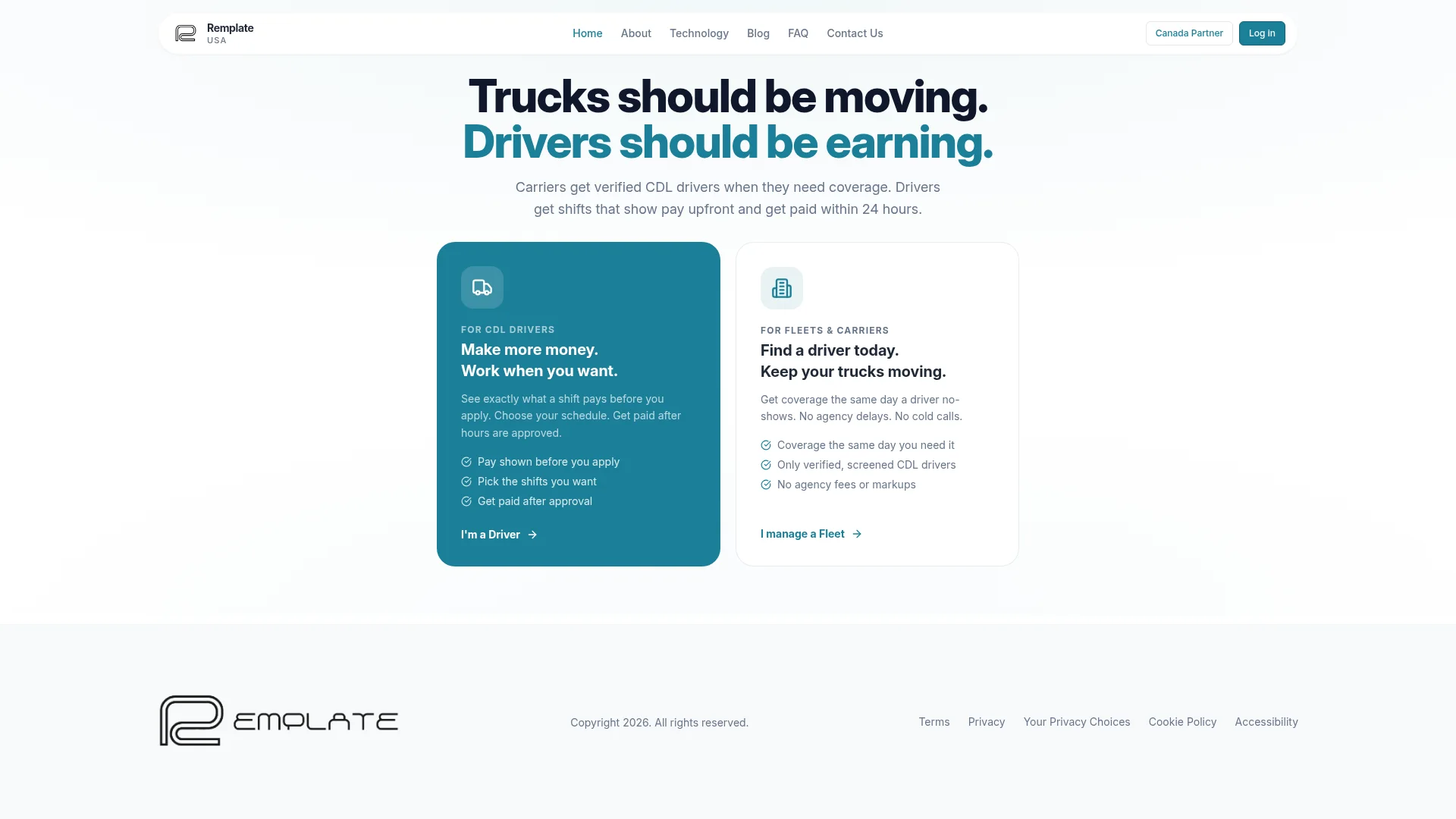
Operational marketplace
Matching, checks, scheduling, payments and API connections in one shared workflow.
Explore the project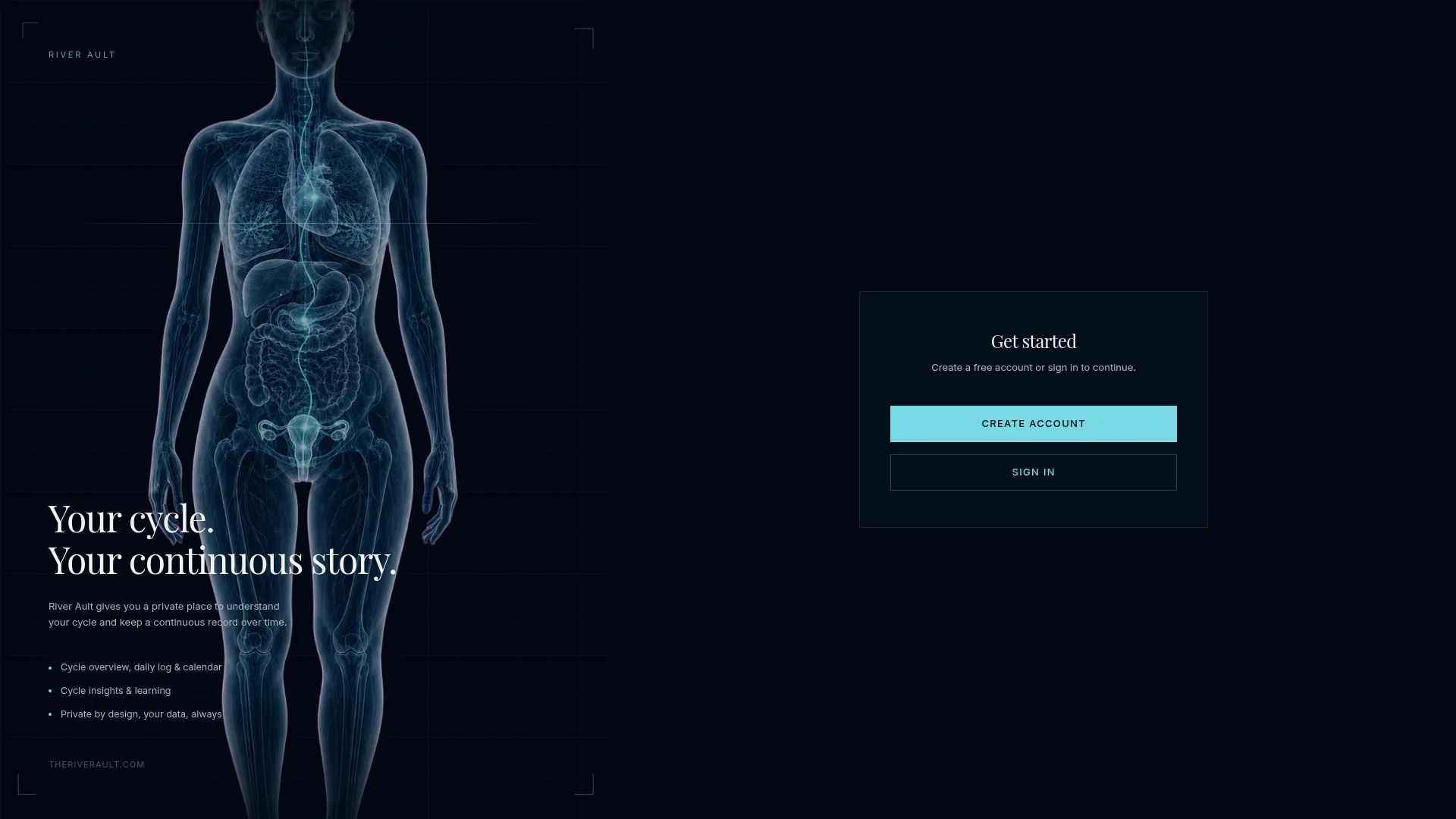
Specialized product
Structured data, access controls, summaries and exports, with an experience suited to mobile.
Explore the projectThe format follows the task and the people doing it.
Requests, bookings, approvals and records in your browser, on desktop and mobile.
Documents, progress and next actions in a private workspace, with permissions for each role.
Connect sales, planning and delivery. Make rules, statuses and responsibilities visible.
See priorities and make decisions with useful filters, indicators, role-based views and exports.
Client, partner and administrator journeys, with availability and payments where scoped.
An iOS or Android experience when the task warrants it. A mobile-friendly web application may also be enough.
Move data between your tools, with error handling and human approvals accounted for.
Before screens, we identify where information is created, copied, approved or lost. Each step needs a responsible person, the right data and a clear action.
Not always. Well-configured existing software may be enough. Custom development makes sense when an essential workflow, your rules or connections remain poorly supported.
Already have an application to improve? Explore our approach to product recovery and evolution.
Your CRM, accounting and calendar can stay in place. We check APIs, access rights and data before confirming a connection. Migration, third-party costs and monitoring are defined in scope.
Review a real file, its users, friction points and constraints.
Choose a useful workflow, its boundaries and validation criteria.
Test screens, permissions, integrations and error scenarios.
Prepare access, documentation, deployment and the agreed follow-up.
Users, workflows, data, integrations and risk shape the budget. A focused first version takes less work than a full platform. Paid scoping can clarify these elements before an estimate.
Development, hosting, third-party services and ongoing support are distinguished in the proposal. Build & Own or Managed is chosen according to your situation.
Subscription software offers features shared by many businesses. Custom software adapts workflows and rules to yours, with maintenance responsibilities. We compare usefulness and cost.
Yes, if their APIs, terms and your permissions allow it. We check before committing. Otherwise, we examine alternatives.
Yes. One priority workflow, a few roles and essential connections can form a usable first version. Feedback guides what comes next.
Your data and the content you provide remain yours. With Build & Own, code ownership and transfer are defined in the agreement. With Managed, CHRD retains the managed code during the subscription unless a transfer or buyout is agreed. Third-party components retain their licences.
Yes, after reviewing code, access and dependencies. The assessment helps decide what to fix, evolve or replace, without automatically rebuilding.
No. Based in Montreal, CHRD works on projects across Canada, the United States, Europe and beyond, in English or French. Meeting hours, reviews and local requirements are agreed before work begins.
Describe a typical project, your tools and what slows your team down. That is enough to start.
Talk about your operationsAn initial conversation with no commitment. No finished specification required.